
01
Bring the raw clip in
Drop in phone footage, podcast cuts, talking-head clips, or client assets and keep the workflow inside one browser workspace.
Upload your clip, let AI clean it up, then polish everything in a fast timeline editor.
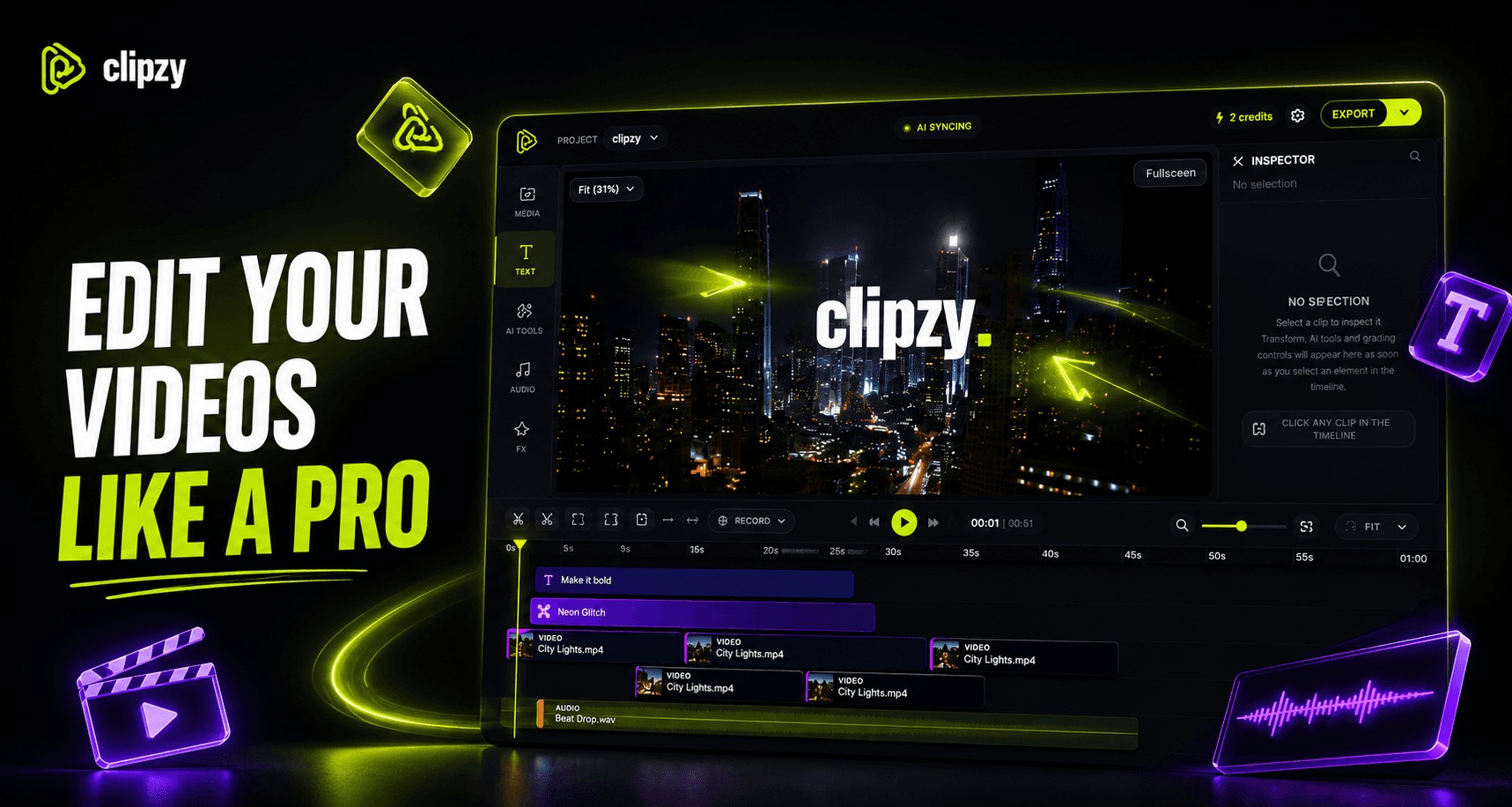
Clipzy turns the messy middle of video production into a focused sequence: source clip, AI treatment, review, export.
Drop in phone footage, podcast cuts, talking-head clips, or client assets and keep the workflow inside one browser workspace.
Clean noise, generate captions, remove silence, isolate voice, upscale, or remove the background before the edit gets heavy.
Preview the AI result, make timeline edits, then export a finished clip that is ready for social, clients, or your next post.
AI prep and practical editor controls live together, so the next step is always obvious.
Clean rough audio before the final edit.
Separate voice tracks for cleaner production.
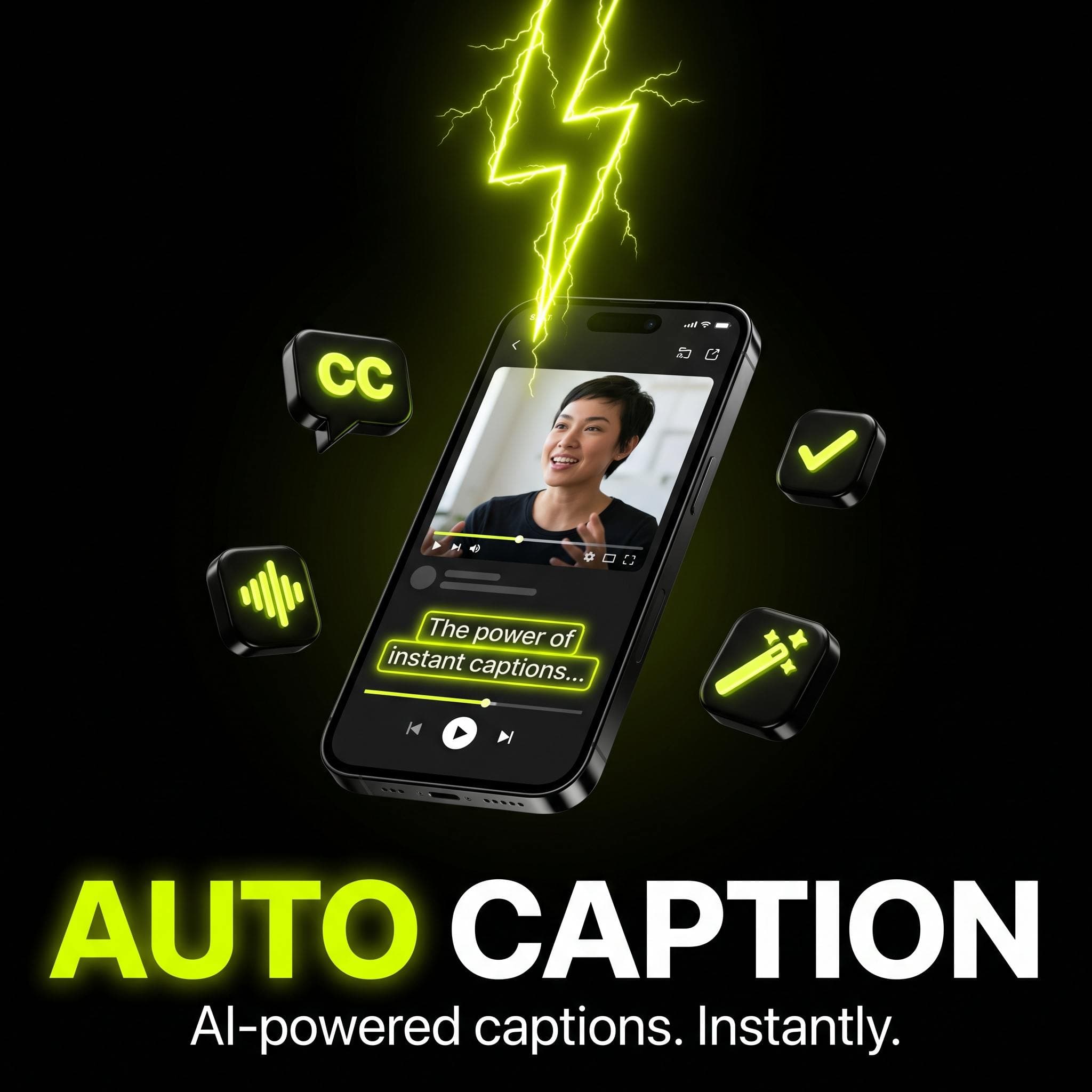
Generate readable captions for social clips.
Trim dead air from long recordings.
Improve low-quality footage for export.
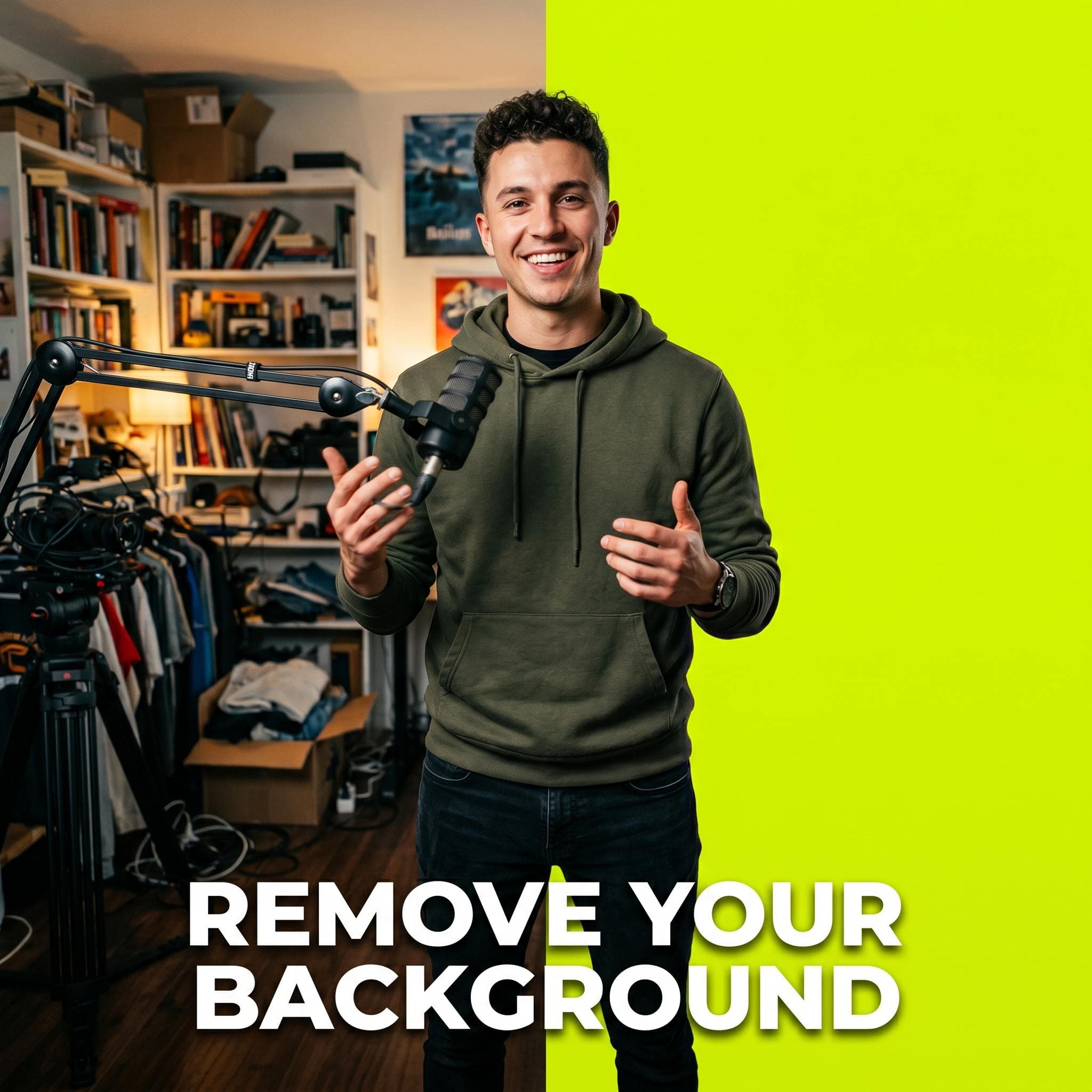
Cut subjects out without a green screen.
Tune the look with quick visual treatments.
Add motion where the clip needs emphasis.
Arrange media, text, audio, and FX fast.
Clipzy puts the tedious prep work beside your selected clip, then keeps the result connected to the timeline.

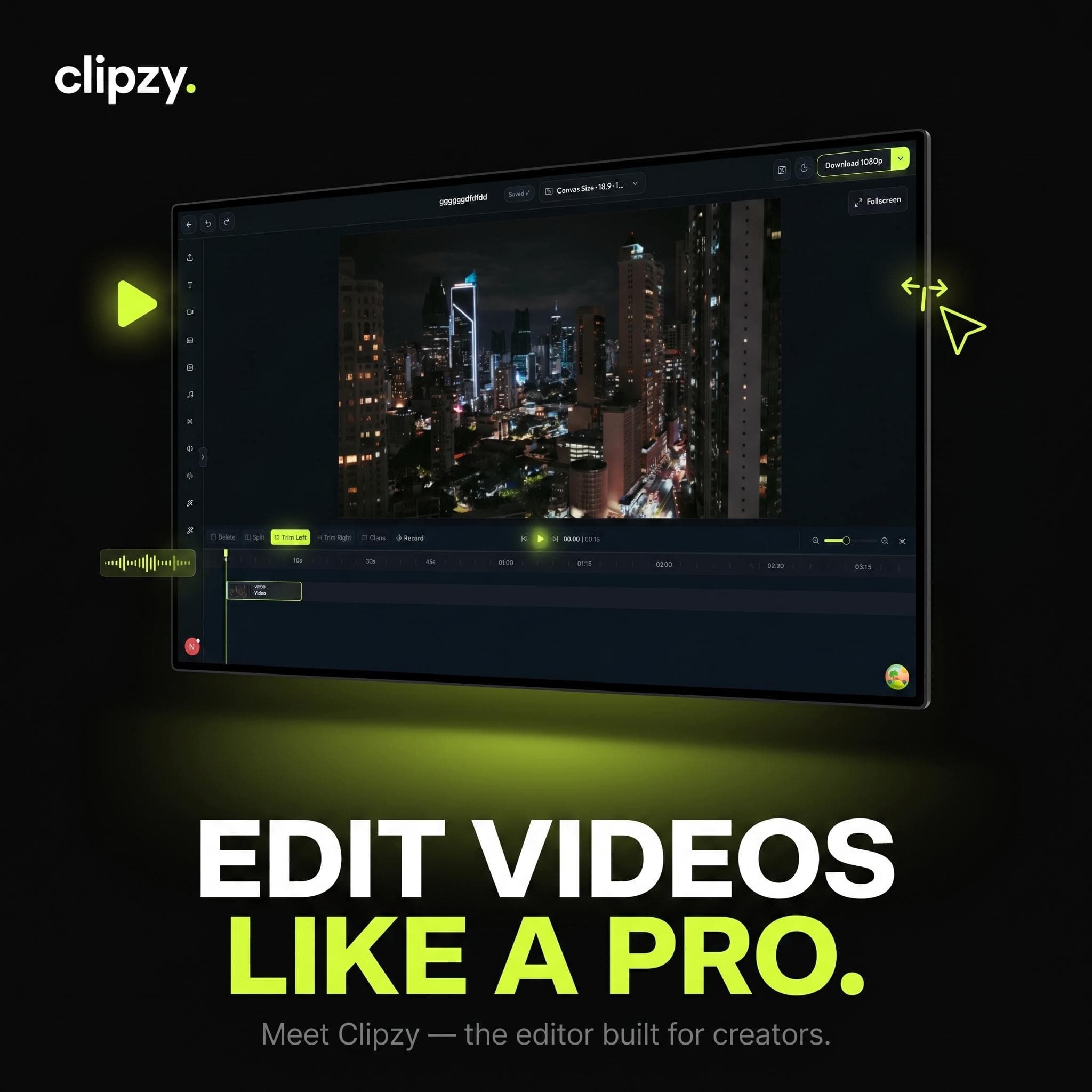
Finish the details with preview, tracks, filters, animations, crop, round, audio controls, and a mobile-friendly editing surface.
Try essential editing and validate the workflow.
More AI credits and exports for recurring content.
Heavy workflows, advanced tools, and team-ready output.
A few practical notes about Clipzy's AI workflow, editor handoff, and exports.
Yes. Clipzy is built to keep the editor usable on mobile screens, with timeline controls, tab panels, and AI tools adapted for touch.
Yes. Captions are part of the AI toolset, so spoken clips can move from transcription to editing and export in the same workspace.
Yes. AI results can continue into the timeline editor for trimming, filters, animations, audio controls, and export polish.
Processed media is designed to become part of the workspace so the project can continue from the latest edited version.
Yes. Clipzy is built around a full flow from upload to AI processing, timeline review, and finished video export.
Start with raw footage, run the AI pass, and finish inside the editor without rebuilding the same clip elsewhere.